Radio
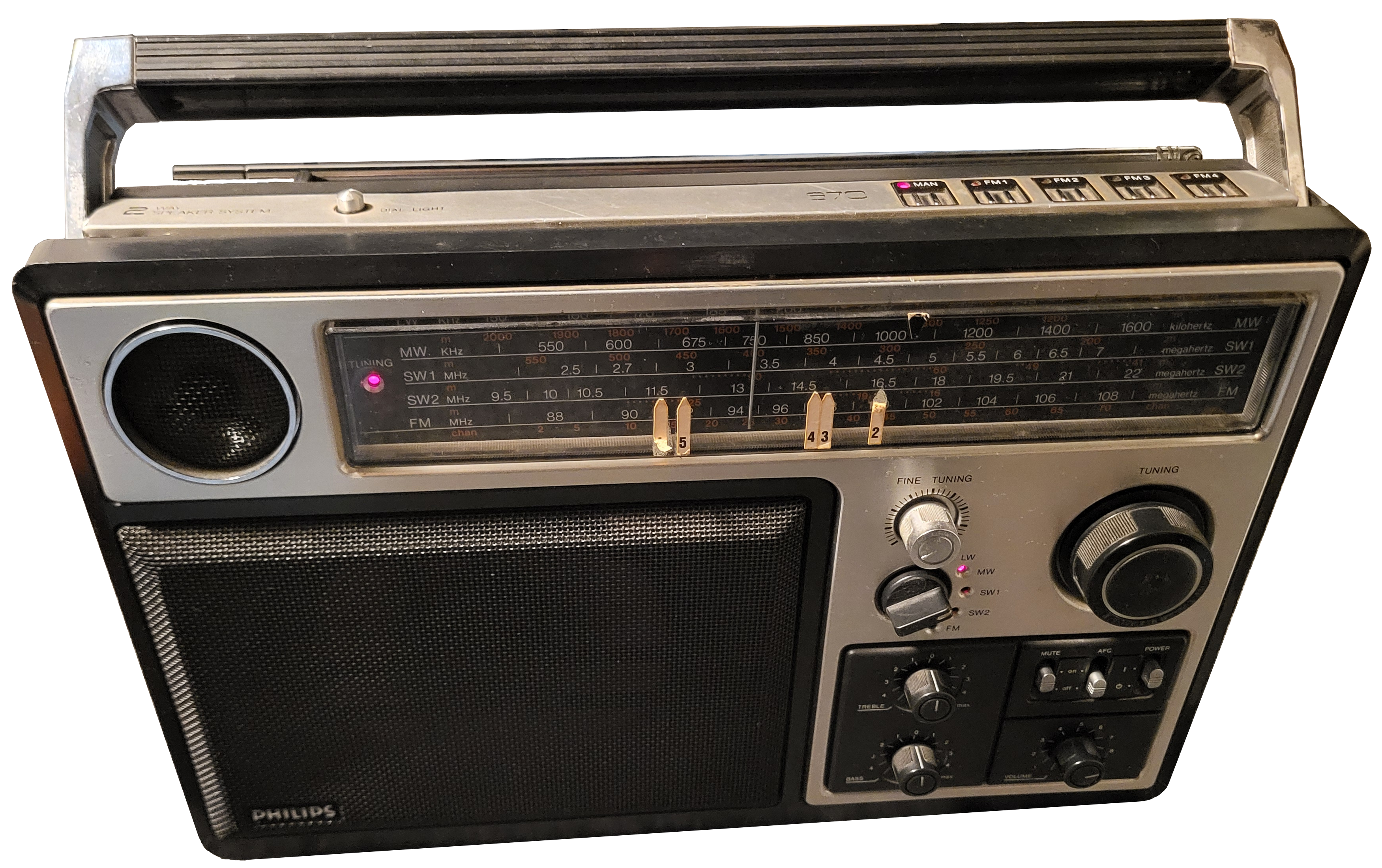
This Philips radio was broken, almost no sound came out of the speakers. To fix this, a radical approach was taken: take almost all of the guts out, and replace the whole radio with an ESP32 internet radio!
Most of the dials and buttons work as expected. The battery and AC power circuit has been reused, so “from the outside”, the radio just looks as it was. But now it is no longer an FM/AM radio, but an internet radio, requiring a WiFi connection.
The radio is also preconfigured with the typical internet radio stations. The radio can also be controlled from the website, not just from the physical dials. Using the website is probably only really necessary if you want to change the preconfigured radio stations.
The radio also has an easter egg mode… Hint: it involves the fine tuning dial and the preset dials. Look at the code to find it ;-).