Radio WiFi configuration
At start, the radio tries to connect to the WiFi (indicated by the pulsing red light inside the radio (visible from the back)). If the radio cannot connect to the wifi, the radio will create a WiFi access point (called “radiomarco”). The pusling red light will change to green.
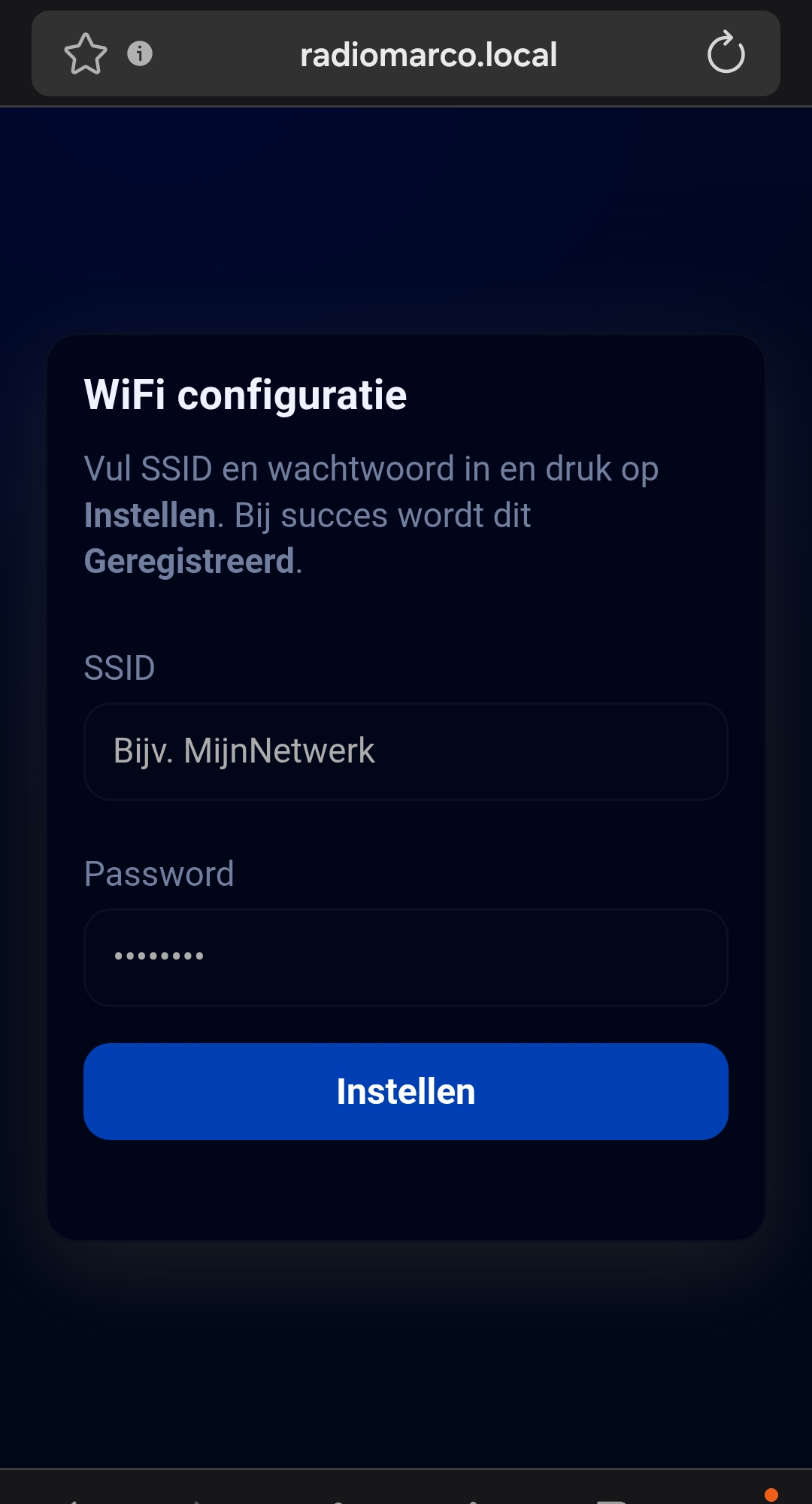
After connecting to this access point, a configuration webpage is available at http://radiomarco.local (or http://192.178.4.1). After entering the WiFi information, the radio will try to reconnect to the new WiFi settings.
You can always change the WiFi settings via http://radiomarco.local/wificonfig.